

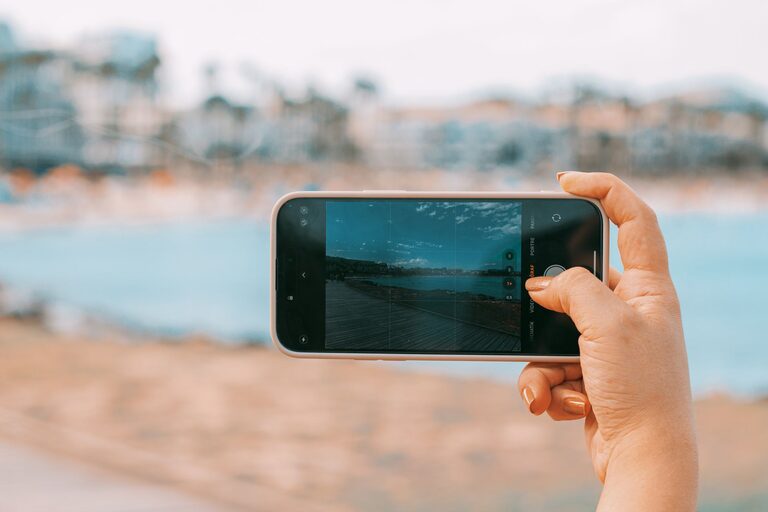
Taking great photos with your phone is easier than you might think. Whether you’re capturing memories, sharing moments on social media, or exploring photography as a hobby, a few simple tips can help you take better phone photos. This guide will walk you through practical techniques and ideas to improve your shots using just your smartphone.
Why Focus on Phone Photography?
Phones are always with us, making them our most accessible camera. Modern smartphones have powerful cameras capable of shooting high-quality images. Learning how to use your phone’s camera effectively means you can capture beautiful photos anytime, anywhere—without needing expensive gear.
—
1. Clean Your Lens Regularly
One of the easiest ways to improve photo quality is to keep your camera lens clean. Since phones are handled frequently and put in pockets or bags, dust, fingerprints, and smudges can accumulate, causing blurry or hazy images.
– Use a soft microfiber cloth to gently wipe the lens.
– Avoid harsh cleaners or rough materials.
– Clean before every photo session for best results.
—
2. Understand Lighting Basics
Lighting is key to great photography. Good light can make a photo pop, while poor light can make it dull or grainy.
– Natural light is your friend. Whenever possible, use daylight by shooting outdoors or near windows.
– Avoid harsh midday sun that creates strong shadows—early morning or late afternoon light is softer and more flattering.
– If shooting indoors, try to position your subject near a light source.
– Use your phone’s flash sparingly; it can sometimes overexpose your subject or create harsh shadows.
—
3. Focus and Exposure Control
Most smartphones allow you to tap the screen where you want to focus. This helps ensure the right part of your image is sharp.
– Tap the screen on your subject before taking the shot.
– Some phones let you adjust exposure (brightness) by sliding your finger up or down after focusing.
– Experiment with exposure to avoid overly bright or dark photos.
—
4. Compose Your Shot Thoughtfully
Good composition makes your photo more interesting and balanced. Here are some basic composition tips:
Rule of Thirds
Imagine your screen divided into three equal parts horizontally and vertically. Place your subject along these lines or at their intersections to create a pleasing composition.
Leading Lines
Use natural lines like roads, fences, or rivers to guide the viewer’s eye toward your subject.
Frame Within a Frame
Look for elements around your subject like windows, arches, or branches that can act as a frame, adding depth and focus.
Simplify the Scene
Avoid cluttered backgrounds which distract from the main subject. Sometimes less is more.
—
5. Explore Different Angles and Perspectives
Don’t just shoot from eye level. Try different viewpoints to add interest:
– Get low to shoot upward.
– Shoot from above or overhead.
– Move closer to capture details.
– Step back for wide, sweeping scenes.
Changing your angle can reveal a fresh perspective and help your photos stand out.
—
6. Use Gridlines to Align Shots
Most phone cameras have a gridline feature that overlays a 3×3 grid on the screen.
– Enable gridlines in your camera settings.
– Use them to keep horizons straight.
– Align subjects with the rule of thirds for better balance.
—
7. Avoid Zooming Digitally
Digital zoom reduces image quality by cropping and enlarging pixels, often resulting in blurry photos.
– Instead of zooming, move closer to your subject.
– If you have a phone with multiple lenses (like wide and telephoto), use the optical zoom option instead of digital zoom.
—
8. Stabilize Your Phone to Avoid Blurry Photos
Moving while taking a photo can cause blur, especially in low light.
– Hold your phone with both hands.
– Brace your elbows against your body.
– Consider using a small tripod or resting your phone on a stable surface.
– Use the timer or voice commands to avoid shaking when pressing the shutter.
—
9. Experiment with Camera Modes and Features
Modern smartphones offer various camera modes that can enhance your shots:
– Portrait Mode: Blurs the background to highlight your subject.
– Panorama: Captures wide landscapes.
– Night Mode: Improves low-light images.
– Pro or Manual Mode: Lets you adjust ISO, shutter speed, and focus manually.
Try these features to see what works best for your subject and environment.
—
10. Edit Your Photos Thoughtfully
Editing can enhance your photos but avoid overdoing it.
– Use built-in editing tools or apps like Snapseed or Lightroom Mobile.
– Adjust brightness, contrast, saturation, and sharpness to improve your image.
– Crop to improve composition or remove distractions.
– Save original photos in case you want to revert.
—
Final Thoughts
Photography is a fun way to explore creativity and capture moments. By applying these beginner tips, you’ll start to see improvements in your phone photography right away. Remember, practice is essential—keep experimenting, observing what works, and most importantly, enjoy the process of capturing your world one photo at a time!