

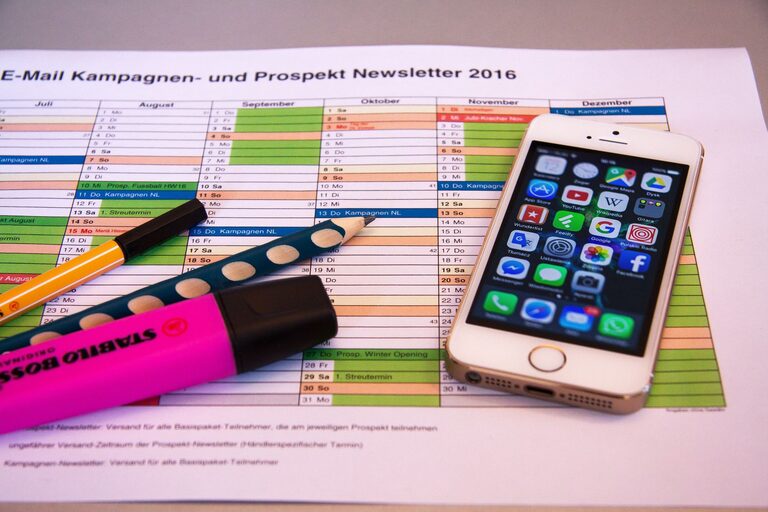
In today’s connected world, our digital lives can quickly become overwhelming. From overflowing email inboxes and countless files to endless app notifications, clutter in the digital realm can affect your focus, productivity, and even your peace of mind. The good news is that decluttering your digital life is not only possible but can also be incredibly rewarding. This guide will walk you through practical steps to simplify your digital space and regain control of your online environment.
Why Declutter Your Digital Life?
Just as a tidy living space helps clear your mind, a well-organized digital life can reduce stress and improve efficiency. When your digital files, emails, and apps are better managed, you spend less time searching for things and more time focusing on what matters.
Step 1: Clean Up Your Email Inbox
Emails are often the biggest cause of digital clutter. Here’s how to tackle the chaos:
Unsubscribe and Filter
– Unsubscribe from unwanted newsletters and promotions: Use services like Unroll.me or unsubscribe manually.
– Set up filters and labels: Automatically sort incoming emails into folders so your inbox only shows the most important messages.
Delete and Archive
– Delete old emails: Especially those more than a year old that you no longer need.
– Archive emails to keep important ones but remove them from your inbox.
Schedule Email Time
Instead of checking email constantly, designate specific times in your day for email review. This helps you stay focused on tasks without frequent interruptions.
Step 2: Organize Your Digital Files
Files scattered across your desktop, downloads folder, or cloud storage can be confusing and frustrating.
Create a Folder Structure
– Make clear, descriptive folders such as Work, Personal, Photos, and Projects.
– Use subfolders to break down larger categories further.
Delete Duplicates and Unnecessary Files
– Use apps like Duplicate Cleaner or Gemini to find and remove duplicate documents and photos.
– Regularly delete files you no longer need.
Back Up Important Files
Ensure critical files are backed up either in an external hard drive or a cloud service like Google Drive or Dropbox. This protects your data from accidental loss.
Step 3: Manage Your Apps and Software
Too many unused apps slow down your devices and clutter your screens.
Uninstall Unused Apps
Go through your devices and delete apps you haven’t used in the past three to six months.
Organize Apps Into Folders
Group similar apps together (e.g., Social, Productivity, Entertainment) for easier access and a cleaner home screen.
Update Regularly
Keep your apps and software updated to benefit from new features and improved security.
Step 4: Streamline Your Social Media and Online Accounts
Social media can be a big source of distraction and clutter.
Review Your Accounts
– Unfollow or mute accounts that don’t add value.
– Review privacy settings to control your online footprint.
Delete Old or Unused Accounts
Use tools like JustDelete.me to find instructions on how to delete accounts you no longer use.
Step 5: Manage Notifications and Digital Time
Notifications can scatter your attention throughout the day.
Customize or Turn Off Notifications
Only allow notifications from essential apps and mute the rest.
Use Screen Time or Digital Wellbeing Tools
Most smartphones include features to track and limit your digital usage to help you stay mindful of your time.
Step 6: Practice Regular Digital Maintenance
Decluttering isn’t a one-time task. Make it a habit:
– Set monthly reminders to clean your inbox and files.
– Regularly review your apps and subscriptions.
– Keep your passwords organized using a password manager.
Final Thoughts
A decluttered digital life leads to better focus, less stress, and more control over your time. By taking small but consistent steps to organize your emails, files, apps, and habits, you’ll create a digital space that supports your goals rather than distracts from them.
Try out these tips today and enjoy a clearer, more productive digital life. Remember, simplicity is just a few clicks away!