

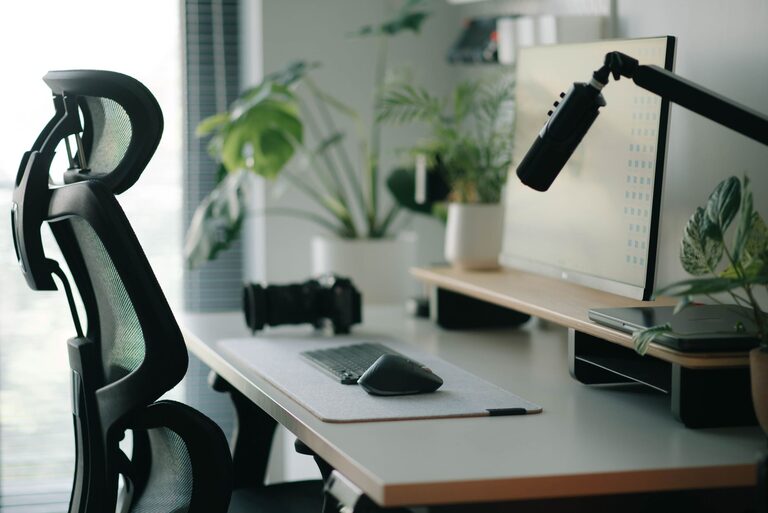
Creating an efficient and comfortable desk setup is essential for anyone who spends significant time working at a desk. Whether you work from home, in an office, or study, the arrangement of your workspace can directly impact your ability to concentrate and stay comfortable throughout the day. In this post, we’ll share practical tips to help you design a desk setup that promotes focus and comfort.
Why Your Desk Setup Matters
Your desk is more than just a place to put your computer and papers. It’s the foundation of your work environment and can affect your posture, energy levels, and overall productivity. An ideal setup helps reduce distractions, prevents physical strain, and creates a positive atmosphere that encourages deep work.
Choosing the Right Desk and Chair
Desk Height and Size
A desk should fit your body and the type of work you do. Standard desk height is typically around 28 to 30 inches, which works well for most people. However, consider adjustable desks if you want the flexibility to switch between sitting and standing positions.
Make sure your desk surface is large enough to accommodate your computer, keyboard, mouse, and any additional tools or documents, without feeling cluttered.
Ergonomic Chair
Investing in a quality ergonomic chair is key for comfort. Look for:
– Adjustable seat height
– Lumbar support to maintain the natural curve of your spine
– Comfortable cushioning
– Adjustable armrests to reduce shoulder strain
Sit with your feet flat on the floor and your knees at a 90-degree angle to maintain good posture.
Monitor Placement and Screen Settings
Positioning Your Monitor
Proper screen placement helps reduce neck and eye strain. Position your monitor about an arm’s length away, with the top of the screen at or slightly below eye level. This setup encourages a straight neck and relaxed shoulders.
If you use dual monitors, position them so the primary screen is directly in front of you and the secondary screen is beside it, angled slightly toward you.
Adjusting Display Settings
Ensure your monitor’s brightness matches the room lighting to avoid eye fatigue. Use larger fonts or zoom in on content if needed, and consider blue light filters, especially if you work late into the evening.
Organizing Your Workspace
Declutter for Focus
A tidy desk encourages focus and reduces stress. Use organizers, trays, or drawers to keep pens, papers, and other supplies out of the way but within reach. Only keep essential items on your desktop to avoid distractions.
Cable Management
Messy cables can be distracting and unsafe. Use cable clips, sleeves, or under-desk trays to keep cords neat and out of the way.
Lighting for Comfort and Alertness
Natural light is ideal for a workspace. Position your desk near a window, but avoid direct glare on your screen. Supplement with adjustable task lighting, such as a desk lamp, that provides focused light without harsh shadows.
Warm light bulbs can create a cozy feel, while cooler, white light may help you stay alert. Experiment to find what works best for you.
Ergonomic Accessories to Enhance Comfort
Keyboard and Mouse
An ergonomic keyboard and mouse help reduce strain on your wrists and hands. Place your keyboard so your elbows are close to your body and your wrists remain straight. Consider wrist rests for additional support.
Footrest
If your feet don’t rest flat on the floor, a footrest can promote better posture and reduce pressure on your legs.
Tips to Maintain Focus at Your Desk
– Keep a water bottle nearby to stay hydrated.
– Use noise-canceling headphones or soft background music to minimize distractions.
– Incorporate regular breaks every hour to stretch and move.
– Personalize your space with plants or artwork to create a pleasant environment without cluttering your desk.
Final Thoughts
A well-planned desk setup can transform your work experience. By focusing on ergonomics, organization, and lighting, you create a workspace that supports focus and comfort, helping you stay productive and feel better throughout the day. Start with small changes and adjust as needed to find the perfect balance for your needs.